Short version
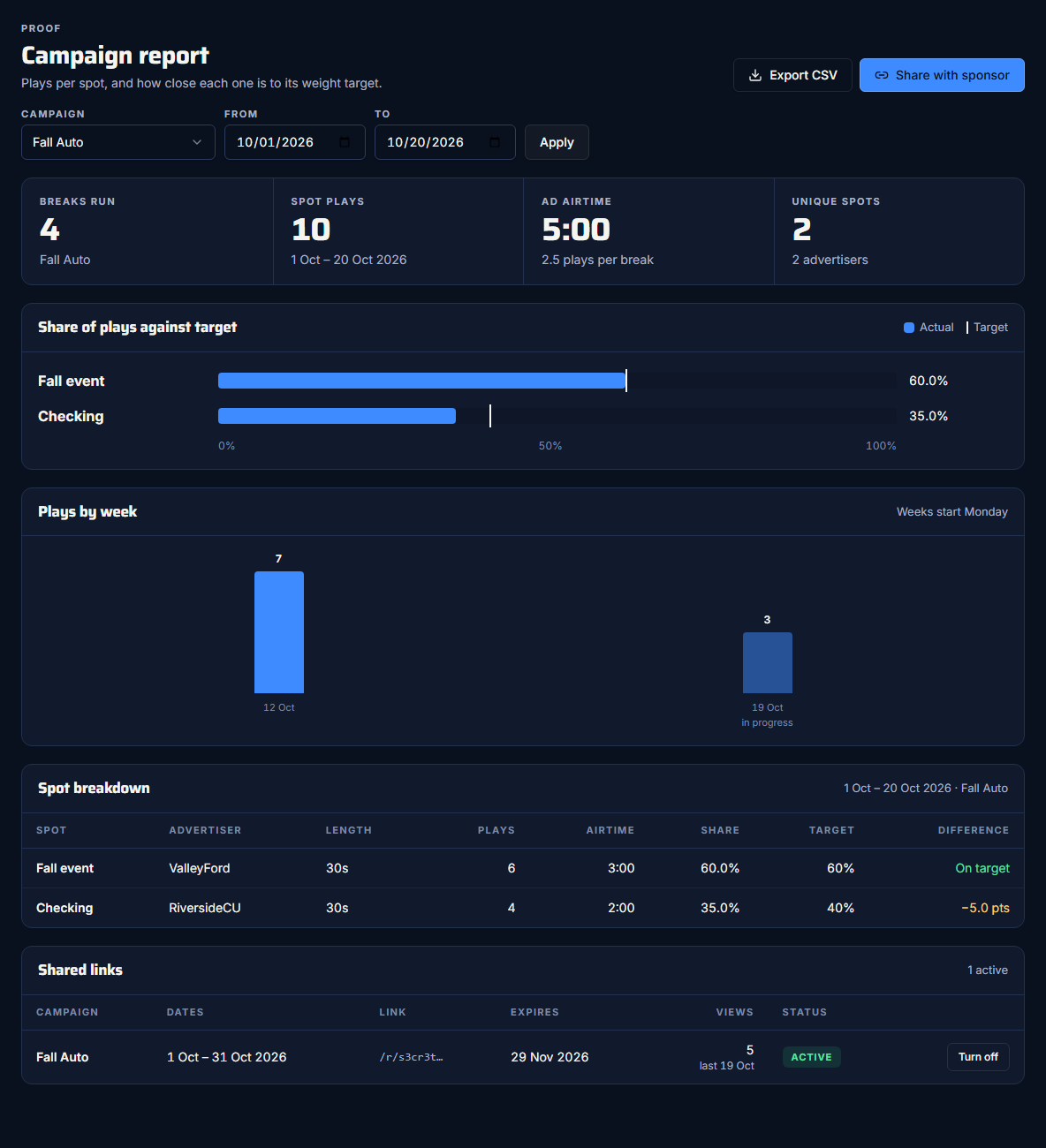
Open Campaign reports, choose a campaign and dates, and press Apply. You get breaks, plays, airtime, plays by week and a spot-by-spot table. Export CSV saves it; Share with sponsor makes a link.
The campaign report is for the workspace admin. Open Campaign reports in the sidebar, or Open the campaign report on a campaign's page.
Choose what to report on
- Campaign: All campaigns, or one campaign. Choosing a campaign sets From and To to its flight, up to today.
- From and To dates, if you want a different range. With All campaigns, the default is the last 30 days.
- Press Apply.
"All campaigns" includes every break, including ones filled from the library or a pod.
Days are your own days, in this computer's time zone, the same as proof of play: a break on the evening of the 31st counts on the 31st.
The tiles
- Breaks run
- Spot plays: only spots that aired count.
- Ad airtime: the actual seconds of those spots, with plays per break.
- Unique spots, with how many advertisers.
Plays by week
Weeks start on Monday, in your time zone, and empty weeks are shown. The current week is marked "in progress". The chart appears when the dates cover more than one week.
The spot table
| Column | What it shows |
|---|---|
| Spot, Advertiser, Length | Which spot. |
| Plays | Times it aired. |
| Airtime | Its total actual seconds. |
| Share | Its share of all plays in the report. |
| Target | Its campaign weight (with one campaign chosen). |
| Difference | "On target" within 0.1 points, otherwise "±x.x pts". Amber at 5 points or more. |
Share of plays against target shows the same thing as bars, with each target marked.
Export CSV
Export CSV saves the table with these columns: campaign, from, to, spot, advertiser, length_seconds, plays, airtime_seconds, share_percent, target_percent, difference_points.
To give a sponsor a live page instead, see Share a report with a sponsor.