Short version
Spots load before the cut, so viewers never see a black screen. The countdown starts when the first spot is really playing, and follows the server's clock. Each spot plays to its end, then the next loads in about a second.
From button to air
- Loading. The first spot loads into CommercialCueSource, muted, while your show stays on LIVE. Spots are copied to the server ahead of time, so this usually takes under a second. The badge says Starting break and the clock shows "--:--".
- The cut. As soon as OBS is really playing the spot, Commercial Cue switches to AD_PLAYBACK and turns the sound up. The countdown starts at that moment.
- Spot to spot. Each spot runs until OBS reports it has finished. The next spot loads in about a second.
- Back to live. After the last spot, the app cuts back to LIVE and logs the break as Completed.
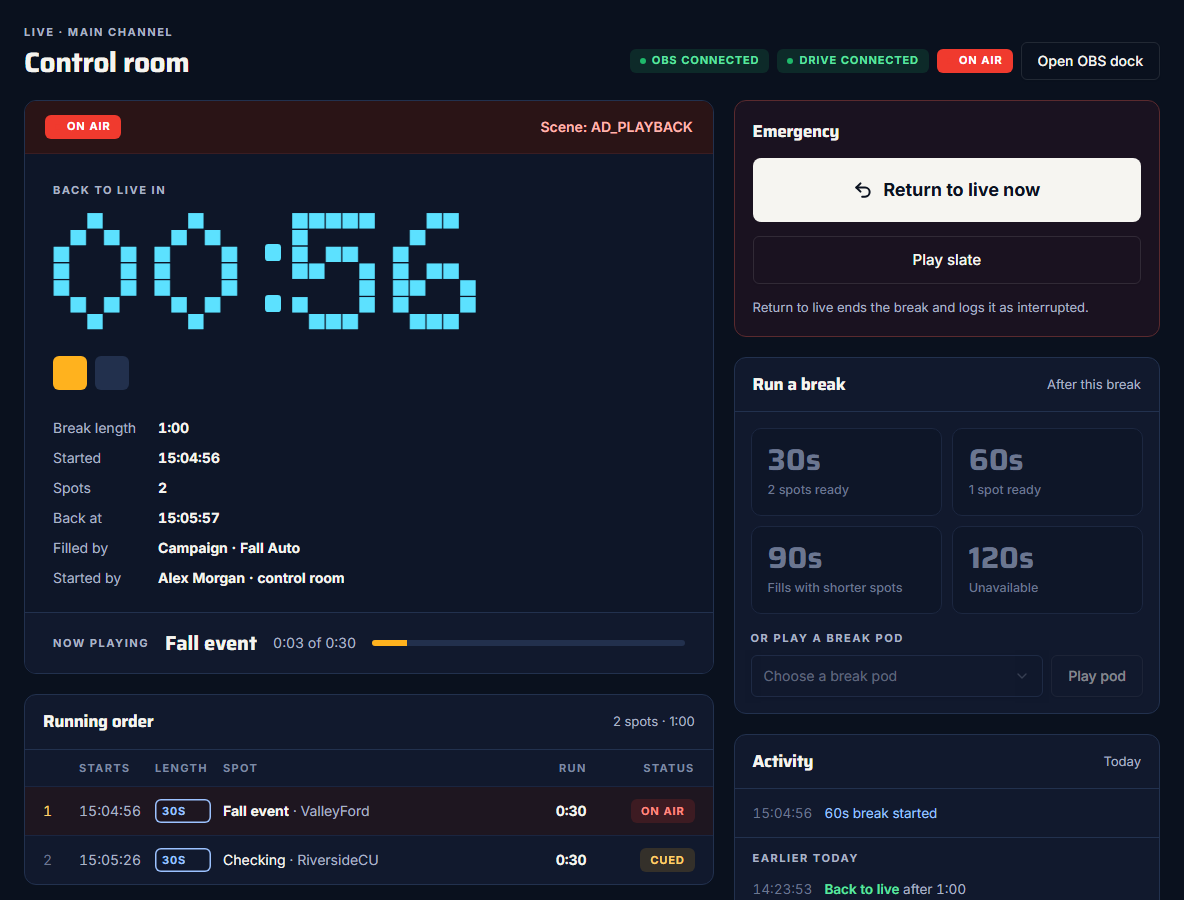
The countdown
- Back to live in counts down to the end of the break. It pulses red in the last 10 seconds.
- It follows the server's clock, so it's right even if this computer's clock is off.
- Back at is the clock time the break should end.
- The squares under the clock are the spots: done, on air, and still to come.
- Now playing shows the spot on air and how far through it is.
The running order
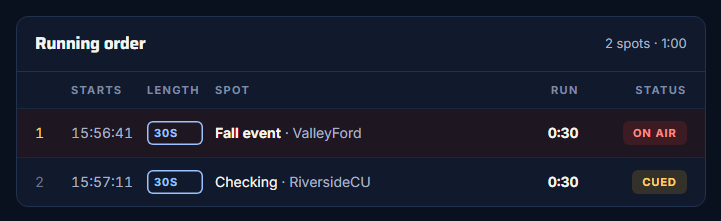
| Column | What it shows |
|---|---|
| Starts | The clock time each spot starts. It's dimmed until the spot has actually started, then shows the real time. |
| Length | The spot's length, or Slate. |
| Spot | The title and advertiser. |
| Run | How long it runs. |
| Status | Played, On air, Cued (next up) or Next. |
Filled by and Started by
Next to the clock:
- Filled by says where the spots came from: "Campaign · {name}", "Pod · {name}" or "Library". It adds "+ slate" when the slate fills the end.
- Started by says who pressed the button and where: "{name} · control room" or "{name} · dock".
Activity
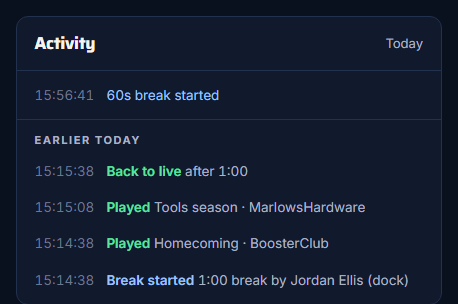
- The top of the list is what you've done in this tab: breaks started and ended, returns to live, the slate.
- Earlier today comes from proof of play, so it survives a reload and includes other people's breaks, from the dock or other computers. It refreshes every 30 seconds.
Safety nets
- A spot that won't start. If the first spot doesn't start within 30 seconds, the break is cancelled and your show stays live. If a later spot doesn't start, the break ends early. Either way, proof of play logs it as Failed, with the reason.
- A spot that never says it's finished. Commercial Cue moves on after the spot's planned length plus 15 seconds.
- The whole break. Whatever happens, Commercial Cue goes back to live at the break's length plus 90 seconds.
If the page running the break closes
The break is run by the page that started it: your control room or your dock. If that page is closed or reloaded mid-break, nothing moves OBS on to the next spot.
After about 20 seconds, your control room and dock say "No page is running this break."

Press Take over this break to carry on: Commercial Cue waits for the spot on air to finish, plays the rest, and goes back to live. Or press Return to live to end it there.
Your other open pages only show a break; they never run it at the same time as the page that started it.