Short version
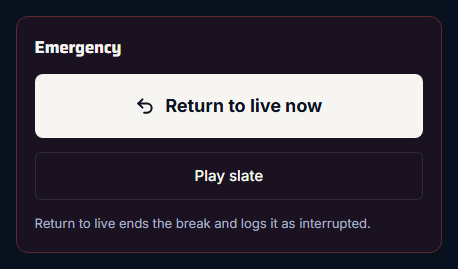
Press Play slate. Commercial Cue stops any break, puts the slate on air with sound, and holds it until you press Return to live, or until the hold limit set in Settings.
Play slate is for when you need to get off your show fast: a camera fails, the feed drops, or something happens on set you don't want on air.
Play the slate
Press Play slate, in the control room's Emergency panel or in the dock.
Commercial Cue:
- stops any break that's running, and logs it as Interrupted (spots that had started count as played)
- loads the slate in OBS, looping
- cuts to AD_PLAYBACK as soon as it's playing, with sound
While it's on air, the control room says "Slate on air" (so does the dock's badge), and the break buttons and Play pod are off. The slate itself isn't a break, so it isn't logged in proof of play.
Take it off
Press Return to live (Return to live now in the control room). OBS cuts back to LIVE.
If your admin set a hold limit in Settings → Slate, the slate goes back to live on its own after 10, 30 or 60 seconds. With Until return to live (the default), it stays on until someone presses Return to live. See Choose a slate and how long it holds.
With no slate set
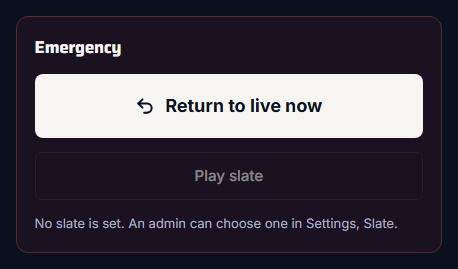
Play slate stays off. The control room says "No slate is set. An admin can choose one in Settings, Slate.", and the dock's button reads "Play slate (no slate set)".
Choose a slate before the show
Without a slate there's no emergency cover, and break lengths that can't be filled exactly with spots are unavailable. Ask your admin to choose one.